AI agents are transforming how we build and manage cloud infrastructure, but giving them direct access to AWS services has always been a challenge. How do you let an agent call APIs, read documentation, and process data without risking your entire account? The answer is now generally available: the AWS MCP Server, a managed remote Model Context Protocol (MCP) server that provides AI assistants with authenticated, fine-grained access to AWS. Below are nine critical aspects every developer should know about this new tool.
1. Why AWS MCP Server Was Built
Traditional AI coding agents struggle with AWS because they rely on stale training data—often months out of date—and don't know about newer services like Amazon S3 Vectors or Amazon Bedrock AgentCore. They also tend to generate oversized IAM policies and prefer the AWS CLI over more infrastructure-as-code approaches like AWS CDK or CloudFormation. The result is demo-ready but not production-ready infrastructure. The AWS MCP Server solves this by giving agents real-time access to current documentation and a curated set of tools that enforce best practices, ensuring outputs are both secure and usable in production.
2. A Managed, Remote MCP Server
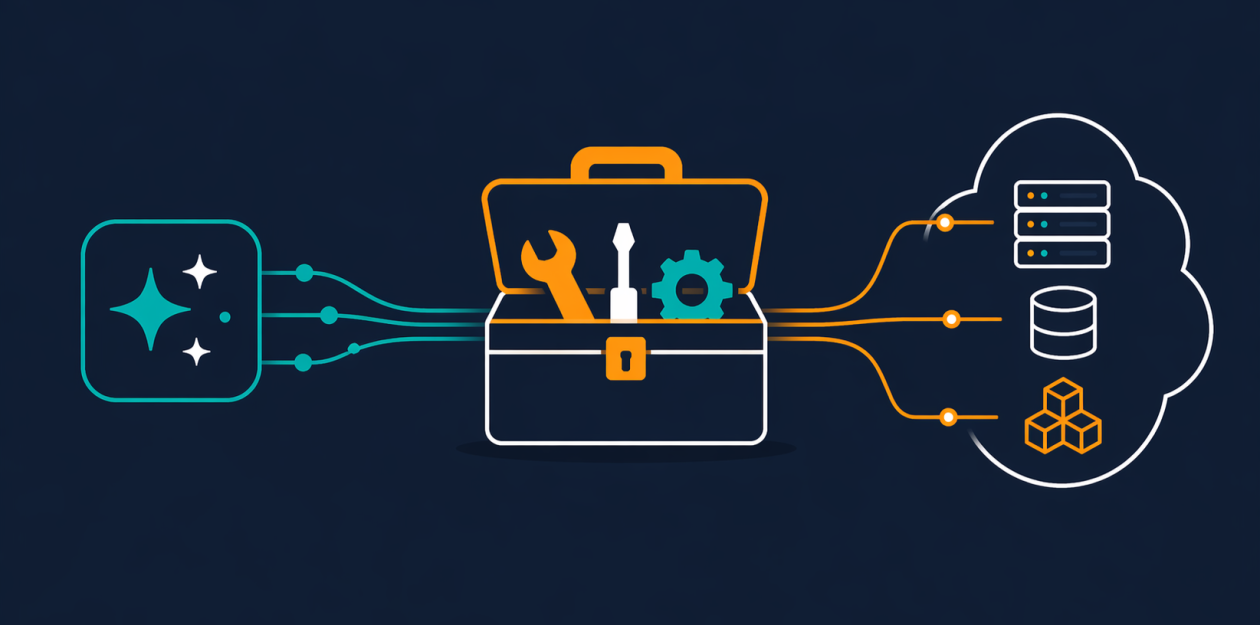
Unlike self-hosted MCP servers that require you to manage infrastructure and secrets, the AWS MCP Server is fully managed by AWS. It acts as a remote endpoint that your AI agent can call using the Model Context Protocol. This means you don't need to run any server yourself—just configure your IAM credentials and point your agent to the server. It’s part of the broader Agent Toolkit for AWS, which includes skills, plugins, and other tooling designed to make AI coding agents more effective on AWS.
3. The Core Tool: call_aws
The call_aws tool is the workhorse of the AWS MCP Server. It allows your agent to execute any of over 15,000 AWS API operations using your existing IAM credentials—no separate permissions needed for the tool itself. Because it uses your standard IAM policies, you can apply the same fine-grained access controls you already use. And when AWS launches new APIs, this tool supports them within days, so your agent never falls behind. The tool consumes minimal context window tokens, making it efficient for complex, multi-step workflows.
4. Up-to-Date Documentation at Query Time
Two critical tools—search_documentation and read_documentation—retrieve current AWS documentation and best practices in real time. This ensures the agent always works from the latest information, eliminating the risk of hallucinations or outdated advice. As of general availability, documentation retrieval no longer requires authentication, so even unauthenticated sessions can benefit from accurate docs. This is a game-changer for tasks like writing IAM policies or choosing the right AWS service for a job.
5. Fine-Grained IAM with Context Keys
Previously, using the AWS MCP Server required a separate IAM permission, adding complexity. Now, the server supports IAM context keys, meaning you can embed access controls directly into your standard IAM policies. For example, you can allow an agent to read only certain S3 buckets or invoke only specific Lambda functions. This eliminates the need for a dedicated MCP permission and lets you express precise, least-privilege access using familiar policy syntax.
6. The run_script Tool: Sandboxed Python Execution
One of the most powerful additions is the run_script tool. It lets the agent write a short Python script that executes server-side in a sandboxed environment. The sandbox inherits your IAM permissions but has no network access, so the agent can process data without accessing your local file system or shell. For tasks that require chaining multiple API calls—like fetching data from DynamoDB, filtering it, and writing results to S3—run_script does it in a single round-trip, saving time and context window space.

7. Skills Replace Agent SOPs
Earlier versions used Agent SOPs (Standard Operating Procedures) to guide agents. Now, the AWS MCP Server transitions to Skills, which provide curated, best-practice guidance for common tasks—like deploying a web app, setting up a CI/CD pipeline, or configuring a VPC. Skills are more structured and easier to maintain, so agents can follow proven patterns instead of guessing. This reduces errors and makes the agent's output more consistent with AWS Well-Architected Framework principles.
8. Reduced Token Consumption and Faster Workflows
Every token in your agent's context window matters, especially for long, multi-step tasks. The AWS MCP Server has been optimized to use fewer tokens per interaction compared to earlier versions. Tools like run_script combine multiple API calls into one response, and documentation tools return only relevant snippets. This means you can run more complex workflows without hitting context limits, and the agent can iterate faster—a huge win for productivity.
9. General Availability and What’s Next
With general availability, the AWS MCP Server is ready for production use. You can integrate it with popular AI coding assistants like Amazon Q Developer or Claude, and run the server either locally or on AWS infrastructure. The team plans to continue adding skills, expanding supported APIs, and refining the sandbox. To get started, configure your IAM permissions, set up the server endpoint, and let your agent explore AWS securely. The age of truly capable, safe AI agents in the cloud has arrived.
Conclusion
The AWS MCP Server bridges the gap between AI agents and secure, production-grade AWS operations. By providing a managed, authenticated interface with real-time documentation, fine-grained controls, and sandboxed scripting, it empowers developers to build faster without sacrificing security. Whether you're automating infrastructure deployment, generating code, or building complex data pipelines, this tool set is a must-have in your AI toolkit. Start experimenting today—your agents will thank you.